Implementing ZFS Storage Pools for Enterprise Data Integrity
Traditional Unix/Linux filesystems (such as ext4 and XFS) function as passive abstractions over block devices. They lack native mechanisms to detect or correct silent data corruption ("bit rot"), operating under the assumption that underlying hardware controllers abstract block validation entirely.
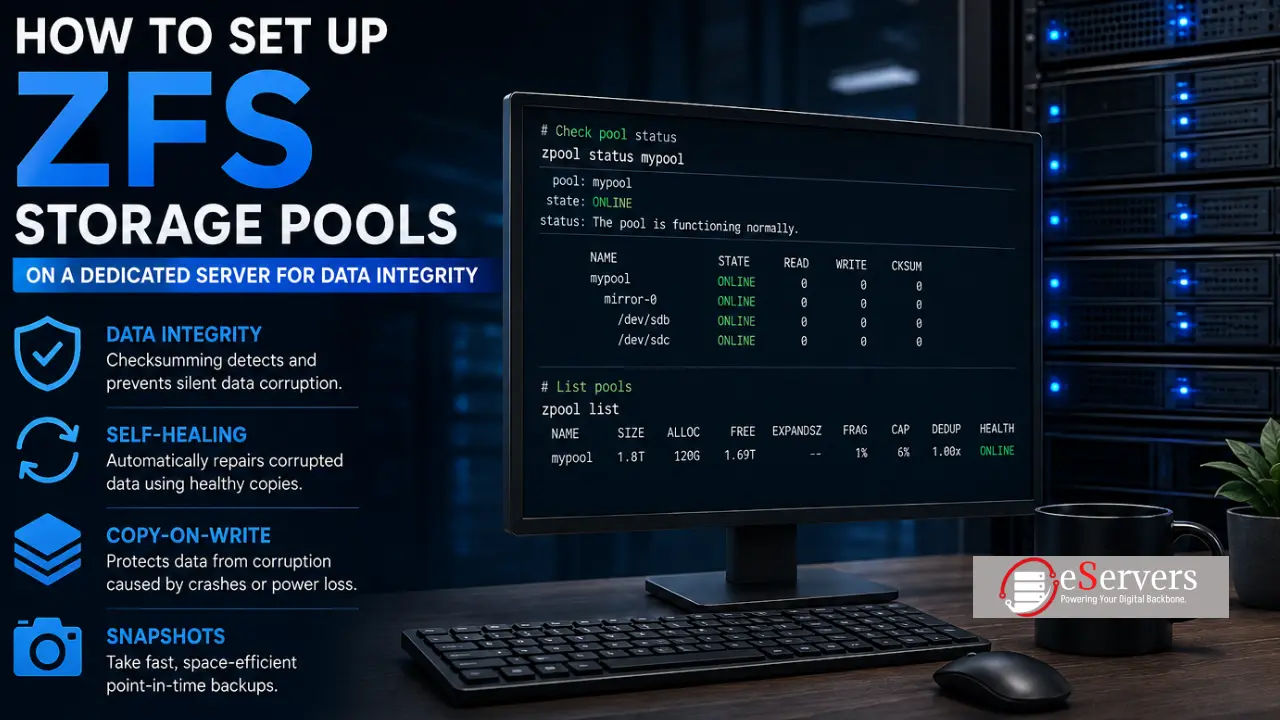
ZFS merges a logical volume manager with an advanced transactional filesystem designed to enforce absolute data integrity through cryptographic checksumming, copy-on-write (CoW) semantics, and active self-healing redundancy.
Here is the technical deployment blueprint for Ubuntu and AlmaLinux / Rocky Linux.
Core Architectural Advantages
Block-Level Checksumming: Every read and write transaction is validated via checksum algorithms (e.g., fletcher4, sha256).
Self-Healing Redundancy: In mirrored or RAID-Z configurations, corrupted blocks identified during scrubs or reads are transparently repaired using parity or mirror replicas.
Copy-on-Write Transactions: Eliminates partial writes and filesystem inconsistency during abrupt power loss.
Efficient Snapshotting: Instantaneous point-in-time references utilizing delta block allocation.
Step 1: Package Installation & Module Verification
Ubuntu / Debian:
sudo apt update sudo apt install zfsutils-linux -y
AlmaLinux / Rocky Linux (RHEL-based):
sudo dnf install -y https://zfsonlinux.org/epel/zfs-release-2-3\)(rpm --eval "%{dist}").noarch.rpm sudo dnf install -y kernel-devel zfs sudo /sbin/modprobe zfs zfs version
Step 2: Storage Pool (Zpool) Provisioning
Inspect available block devices (lsblk), ensuring OS disks are excluded, and instantiate a mirrored pool:
sudo zpool create mypool mirror /dev/sdb /dev/sdc
(Alternative topologies include single-disk testing pools or parity-based raidz1 / raidz2 arrays).
Verify pool instantiation and health:
zpool status mypool zpool list
Step 3: Dataset Allocation and Compression Tuning
Segment the storage pool into logical filesystems (datasets) and enable high-performance, low-overhead block compression:
sudo zfs create mypool/data sudo zfs create mypool/backups sudo zfs set compression=lz4 mypool/data
Step 4: Proactive Integrity Maintenance (Scrubbing)
Data corruption must be actively detected via periodic block validation (scrubs). Execute a manual scrub:
sudo zpool scrub mypool
Automate monthly execution via crontab -e:
0 2 1-7 * 0 [ "$(date +%u)" -eq 7 ] && zpool scrub mypool
Step 5: Point-in-Time Recovery via Snapshots
Capture immediate snapshots and perform rollbacks when necessary:
sudo zfs snapshot mypool/data@before-upgrade zfs list -t snapshot sudo zfs rollback mypool/data@before-upgrade