Infrastructure Architecture: Windows vs Linux Dedicated Servers
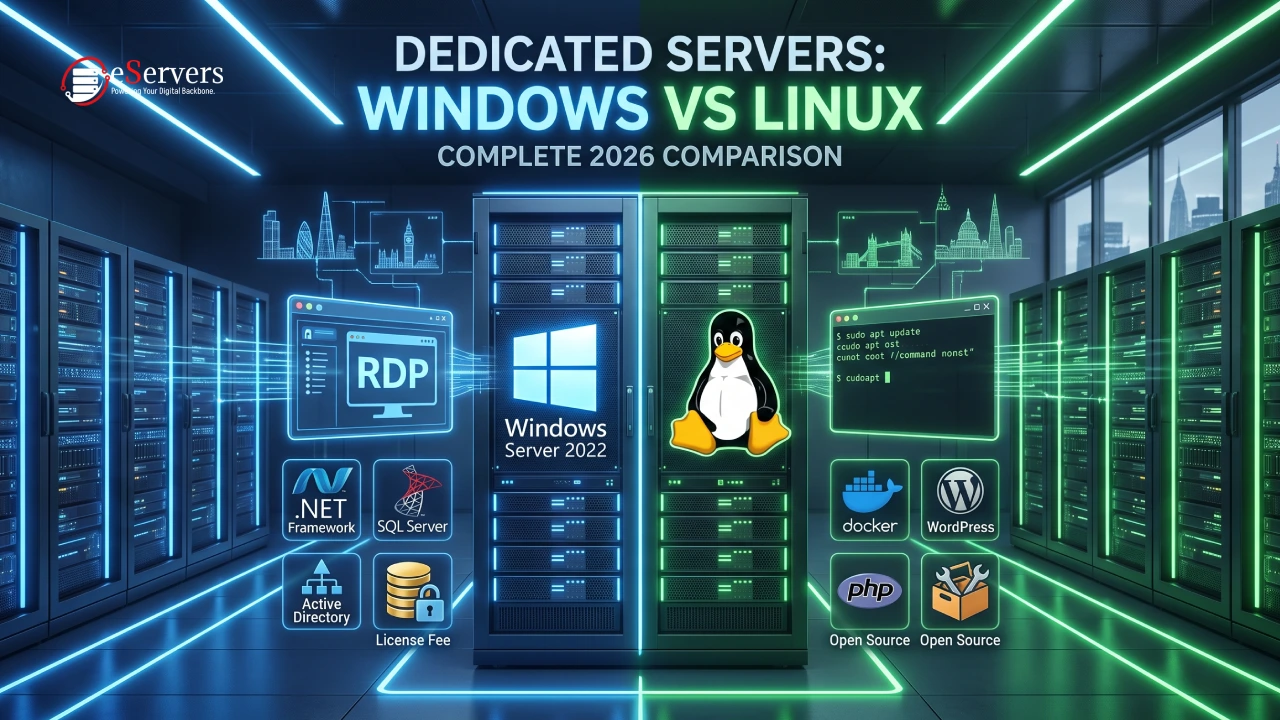
When provisioning a bare-metal server, the operating system layer dictates software compatibility, management protocols, and overall infrastructure costs. Selecting between Windows Server and a Linux distribution should be driven entirely by technical requirements, not arbitrary preferences.
Here is an architectural breakdown of Windows vs Linux servers for 2026.
1. Licensing and Cost Architecture
Linux distributions (Ubuntu, Debian, AlmaLinux, Rocky Linux) are open-source. They incur zero licensing fees, meaning 100% of the infrastructure budget goes toward physical hardware (CPU, RAM, NVMe).
Windows Server (2016, 2019, 2022) is proprietary. Deploying it requires a mandatory Microsoft licensing fee. On average, this adds a recurring monthly overhead to the exact same physical hardware. If an application does not explicitly require the Microsoft ecosystem, running Windows introduces unnecessary financial bloat.
2. Workload Compatibility
Forcing software onto the wrong OS layer results in severe compatibility issues and performance degradation.
Native Linux Workloads:
Web Stacks: LAMP/LEMP stacks (Linux, Apache/Nginx, MySQL/MariaDB, PHP/Python).
Containerization: Docker and Kubernetes run natively on the Linux kernel. (Running Docker on Windows requires Hyper-V translation layers, adding overhead).
Databases: PostgreSQL, Redis, and MongoDB perform optimally on Linux.
Native Windows Workloads:
Frameworks: Applications compiled via C#, .NET, or classic ASP.NET.
Databases: Microsoft SQL Server (MSSQL).
Enterprise Integrations: Microsoft Exchange, SharePoint, and Active Directory (LDAP/Kerberos) authentications.
3. Remote Management Protocols
Linux (SSH): Linux servers are managed out-of-band via Secure Shell (SSH). It is a lightweight, text-based terminal protocol. It consumes virtually zero bandwidth, is easily scriptable (Bash, Ansible), and is the industry standard for DevOps automation.
Windows (RDP): Windows Server is managed via Remote Desktop Protocol (RDP). It streams a full graphical user interface (GUI) over the network. While it provides a familiar desktop experience, it consumes significantly more memory, CPU overhead, and network bandwidth simply to render the interface.
Summary
Hardware reliability is identical across both platforms. If your tech stack relies on open-source languages and containerization, Linux is the technically and financially superior choice. If your architecture is bound to the Microsoft ecosystem, Windows Server is a hard requirement.